Technology
·
Performance And Abstraction
·
how undo remembers everything (command…
Hard
5 min
How Ctrl+Z Remembers Everything You Did
The surprisingly elegant trick behind every undo button
Share
You've just spent an hour editing a document. You delete the wrong paragraph. You hit Ctrl+Z. It comes back — instantly, perfectly. Now hit it again. And again. The app remembers every single thing you did, in order, going back to the beginning. How does it know?
Modern software is full of illusions — pages that feel instant, apps that seem to have unlimited memory, recommendations that feel like mind-reading. Each of those is a separate trick. This one is about undo: how an app can remember not just the current state of your document, but every state it's ever been in, in the right order, ready to reverse on demand. The mechanism is called the command pattern, and once you see it, you'll notice it everywhere.
The naive assumption is that undo works by saving snapshots — that every time you type a word, the app photographs the entire document and stores it. That would work, technically. It would also be catastrophic. A 50-page document saved after every keystroke would consume gigabytes of memory in minutes. Nobody does this.
Make your call
So if the app isn't saving full copies of your document after every change, how does it know how to reverse each one?
A
It saves the full document every few seconds and jumps back to the nearest save
B
It records each action as a reversible instruction, not a snapshot
C
It tracks the differences between versions and patches them together
Instead of saving the document, the app saves the action. Not 'here is what the document looked like,' but 'the user typed the letter E at position 47.' More importantly, it also saves the reverse: 'to undo this, delete the letter at position 47.' Every action — typing, deleting, formatting, moving — gets wrapped into a small object that knows both how to execute itself and how to undo itself. Programmers call this a command object. The app keeps a running list of these objects in the order they happened. That list is the undo stack.
When you hit Ctrl+Z, the app doesn't search through history. It just looks at the top of the stack, grabs the most recent command object, runs its undo instruction, and pops it off. Hit Ctrl+Z again and it does the same thing with the next one down. The whole operation takes microseconds regardless of how long your document is, because it's not touching the document at all — it's just executing a tiny pre-written reversal.
Key Insight
The insight that makes this work: an action and its reversal are the same piece of data. The app doesn't store 'what happened' and separately figure out how to undo it. It stores 'what happened AND how to unmake it' together, at the moment the action occurs. Undo is free because the reversal was written at the same time as the action.
This is also why undo breaks in predictable ways. If you close the document, the stack is gone — there's nothing to undo because the command objects were only kept in memory. Some apps persist the stack to disk, which is why a few tools let you undo across sessions. And when an app tells you 'can't undo this action,' it usually means one of two things: the action wasn't wrapped in a command object (someone skipped the plumbing), or the action had side effects that can't be reversed — like sending an email or writing to a database. You can't un-send. The command pattern only works when every action has a clean inverse, and some actions don't.
Related threads
Technology
·
Your Apps Are All Living a Lie
·
every app thinks it has the whole…
Your Apps Are All Living a Lie
Technology
·
How Does the Algorithm Know You So Well?
·
the recommendation that knew you'd like…
How Does the Algorithm Know You So Well?
Technology
·
Why Does This Page Take Forever to Load?
·
why some pages load instantly and…
Why Does This Page Take Forever to Load?
Sources
Images from Wikimedia Commons. Attribution required by license.
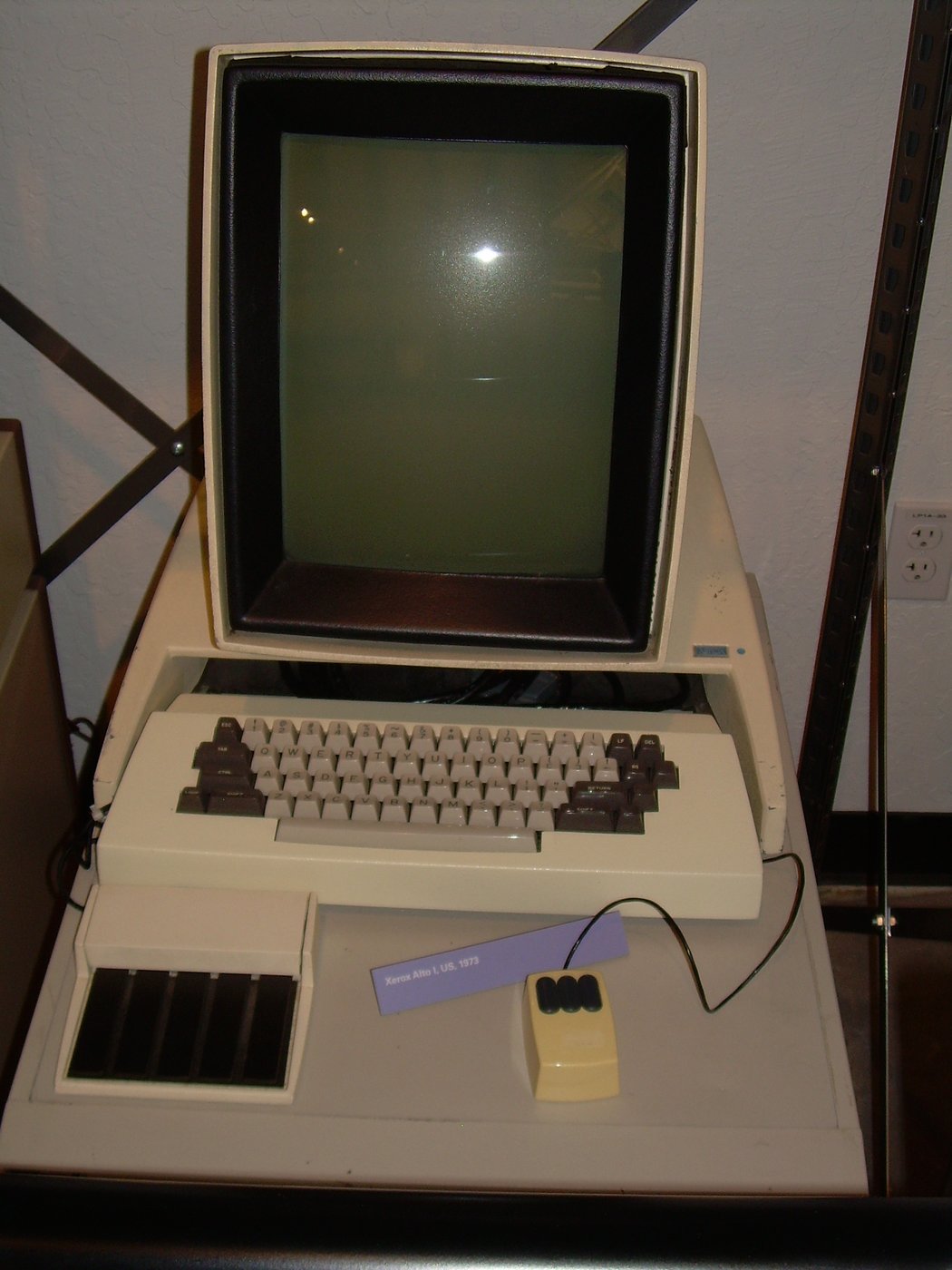
Computer Museum: Xerox Alto Workstation
Carlo Nardone from Roma, Italy · CC BY-SA 2.0
Quiz yourself