Technology
·
Devices And Physics
·
one cable, two conversations…
Medium
5 min
How One Cable Carries a Thousand Conversations
Why your internet connection can do many things at once without getting confused
Share
Right now, your laptop might be streaming video, downloading an update, and loading a webpage — all through a single cable. How does that cable know which bits belong to which app?
The physical world of devices is full of constraints you never think about. Batteries drain in ways that defy intuition. Chips are etched with features smaller than a virus. Screens conjure color from dots too small to see. Each of those is its own story. This one is about cables — and a trick called multiplexing that makes modern communication possible.
Here's the constraint: a wire is just a wire. At any instant, it carries one electrical signal. But your phone doesn't just want to do one thing. It wants to stream, sync, and ping a server simultaneously. Something has to give. Or rather, something has to be invented.
Make your call
If a single cable can only carry one signal at a time, how do engineers let multiple apps use it at once?
A
Each app gets its own dedicated wire inside the cable
B
The cable switches between apps so fast it feels simultaneous
C
Only one app actually uses the cable — the rest queue and wait
The technique is called multiplexing, and the core idea is almost insultingly simple: take turns, but take them absurdly fast.
Imagine the cable as a single highway lane. Instead of letting one truck monopolize it, you chop every truck's cargo into small packets, label each packet with its destination, and send them all down the lane in rapid sequence. At the other end, a receiver reads the labels and reassembles each cargo pile. The trucks never actually travel together — but they finish so close in time that from the outside, it looks like they did.
Your router does exactly this. When you're streaming video and your phone syncs email at the same time, the router is slicing both data streams into labeled packets and interleaving them down the same physical connection — thousands of times per second.
Example
USB-C is the clearest modern example of multiplexing pushed to its limit. That one small oval port on your laptop can simultaneously carry:
— Power (charging your battery)
— Video (driving an external monitor)
— Data (transferring files to a drive)
— Audio (headphones or speakers)
Same connector. Same cable. Four completely different conversations happening at once. The protocol running inside — called USB4 or Thunderbolt, depending on the hardware — uses time-division multiplexing to give each type of signal its own time slots, cycling through them fast enough that each device on the other end experiences what feels like a dedicated connection.
That's not magic. That's scheduling.
There are two main flavors of multiplexing, and they work differently.
Time-division multiplexing (TDM) is the take-turns approach: each conversation gets a time slot, and they rotate. Simple, predictable, but wasteful if one conversation has nothing to say during its slot.
Frequency-division multiplexing (FDM) is cleverer: different conversations travel on different frequencies simultaneously, like radio stations sharing the airwaves without stepping on each other. Your cable internet uses this. So does your Wi-Fi router — that's why it can broadcast on 2.4 GHz and 5 GHz at the same time.
Modern systems often combine both, carving up both time and frequency to squeeze every possible bit through a single physical medium.
Key Insight
The cable doesn't know it's carrying multiple conversations. It just carries voltage. Multiplexing is entirely a software and protocol trick — an agreement between sender and receiver about how to label, slice, and reassemble. The physics is dumb. The protocol is smart. That division of labor is what makes modern networking possible.
Related threads
Technology
·
Your Screen Is Lying to You Beautifully
·
a real-looking photo out of tiny…
Your Screen Is Lying to You Beautifully
Technology
·
How Do You Draw a Wire Thinner Than a Virus?
·
etching wires smaller than a virus…
How Do You Draw a Wire Thinner Than a Virus?
Technology
·
Your Phone Listens All Night Without Dying
·
the ear that's always listening, barely…
Your Phone Listens All Night Without Dying
Sources
Images from Wikimedia Commons. Attribution required by license.
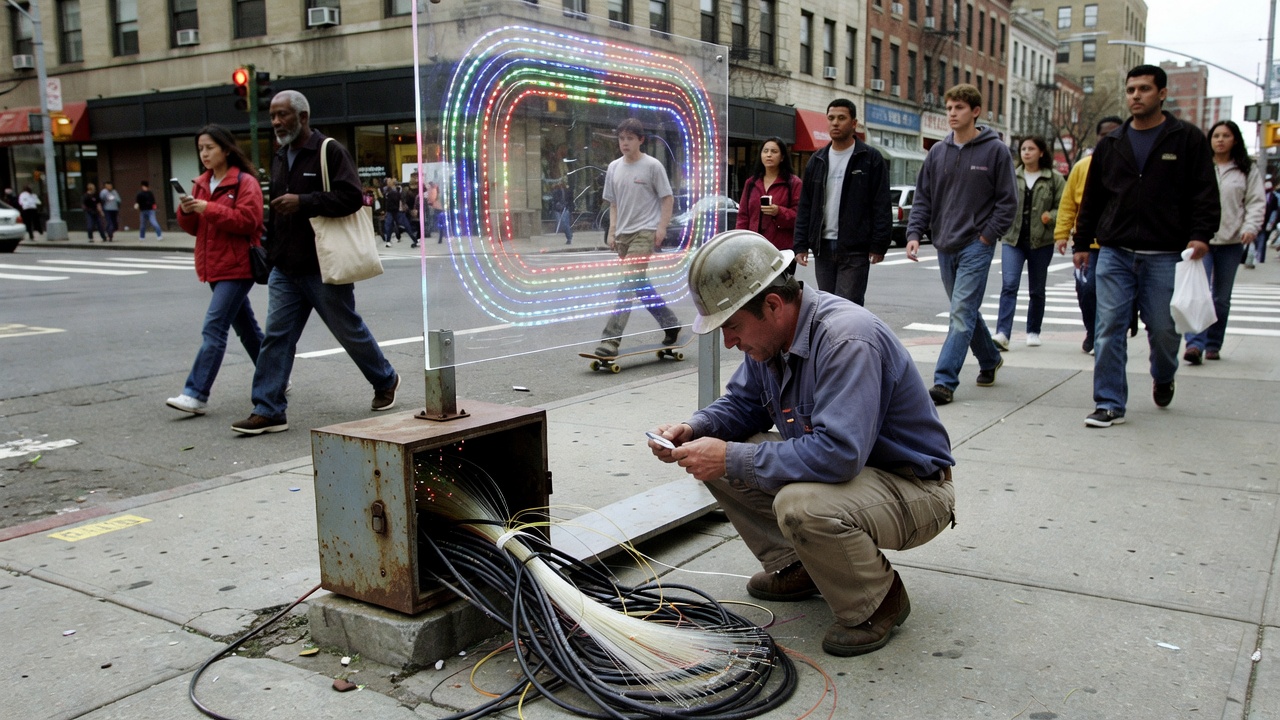
fiber optic cable light
Generated by Grok Imagine (xAI), prompt: Generate a single 16:9 horizontal image for an educational lesson.
Lesson title: "How One Cable Carries a Thousand Conversations" · Why your internet connection can do many things at once without gett…
USB-C port connector
Generated by Grok Imagine (xAI), prompt: Generate a single 4:3 horizontal image for an educational lesson.
Lesson title: "How One Cable Carries a Thousand Conversations" · Why your internet connection can do many things at once without getti…
Quiz yourself