Technology
·
Devices And Physics
·
a real-looking photo out of tiny…
Medium
5 min
Your Screen Is Lying to You Beautifully
How millions of tiny colored dots fool your brain into seeing reality
Share
Hold your phone an inch from your eye and look at a white area of the screen. It's not white. It's thousands of red, green, and blue dots — none of them white — packed so tightly your brain invents a color that isn't there.
Every screen you've ever looked at — phone, laptop, TV — is a physical grid of tiny light sources. Each one is a pixel, short for 'picture element.' A modern phone screen might pack over 400 of them into a single inch. This lesson is about how those dots, each capable of producing only red, green, or blue light, somehow produce every color you've ever seen on a screen — including colors that don't exist in nature.
Each pixel is actually three sub-pixels sitting side by side: one red, one green, one blue. The screen controls how bright each sub-pixel glows, on a scale from 0 (off) to 255 (full blast). That range — 256 steps per channel — gives you 256 × 256 × 256 possible combinations per pixel. That's about 16.7 million colors from three tiny lights. Turn all three to full: white. Turn all three off: black. Red at 255, everything else at 0: pure red. Green at 128, blue at 128, red off: a specific shade of teal that has its own exact address in the system.
Make your call
A photographer takes a picture of a bright orange sunset. Your screen has no orange sub-pixels — only red, green, and blue. What do you think happens when it tries to show orange?
A
The screen skips orange and shows the nearest color it can manage
B
Red and green sub-pixels light up together, and your brain blends them into orange
C
The screen uses a special orange mode that activates only for photos
So your brain is doing the heavy lifting. This is called additive color mixing — the same trick that makes stage lighting work. Red light plus green light doesn't make brown mud the way paint does; it makes yellow. Red plus blue makes magenta. All three together make white. Your eyes have three types of color receptors (cones), tuned to roughly red, green, and blue wavelengths. When the screen fires a red and green sub-pixel, your red-sensitive and green-sensitive cones both fire, and your brain reads that as 'orange' — even though no orange photon ever left the screen. The sunset photo looks real because your visual system was always doing the interpretation.
Key Insight
The color you see is not in the screen. It's in your brain. The screen just sends the right combination of signals to trigger the perception it wants. Every image is a negotiation between physics and neuroscience.
This is where color spaces come in. Not all screens agree on what 'red at 255' actually looks like in the real world. A color space is a defined map: it anchors the red, green, and blue primaries to specific physical wavelengths of light, so that 'red at 255' means the same thing on your phone as it does on a cinema projector. sRGB is the standard for the web and most consumer screens. DCI-P3 is wider — it's used in film and high-end phones, and it can represent colors that sRGB simply can't reach. When a photo edited in a wide color space gets displayed on a screen that only understands sRGB, the colors get crushed — vivid reds go muddy, deep blues flatten out. That's not a bug in the photo. It's a mismatch between two different agreements about what colors mean. Your phone's camera app, the JPEG file, your screen, and your operating system are all constantly negotiating which color space to use, usually invisibly, usually correctly.
Related threads
Technology
·
How Do You Draw a Wire Thinner Than a Virus?
·
etching wires smaller than a virus…
How Do You Draw a Wire Thinner Than a Virus?
Technology
·
How One Cable Carries a Thousand Conversations
·
one cable, two conversations…
How One Cable Carries a Thousand Conversations
Technology
·
Your Phone Listens All Night Without Dying
·
the ear that's always listening, barely…
Your Phone Listens All Night Without Dying
Sources
Images from Wikimedia Commons. Attribution required by license.
Sony Trinitron CRT television aperture grille
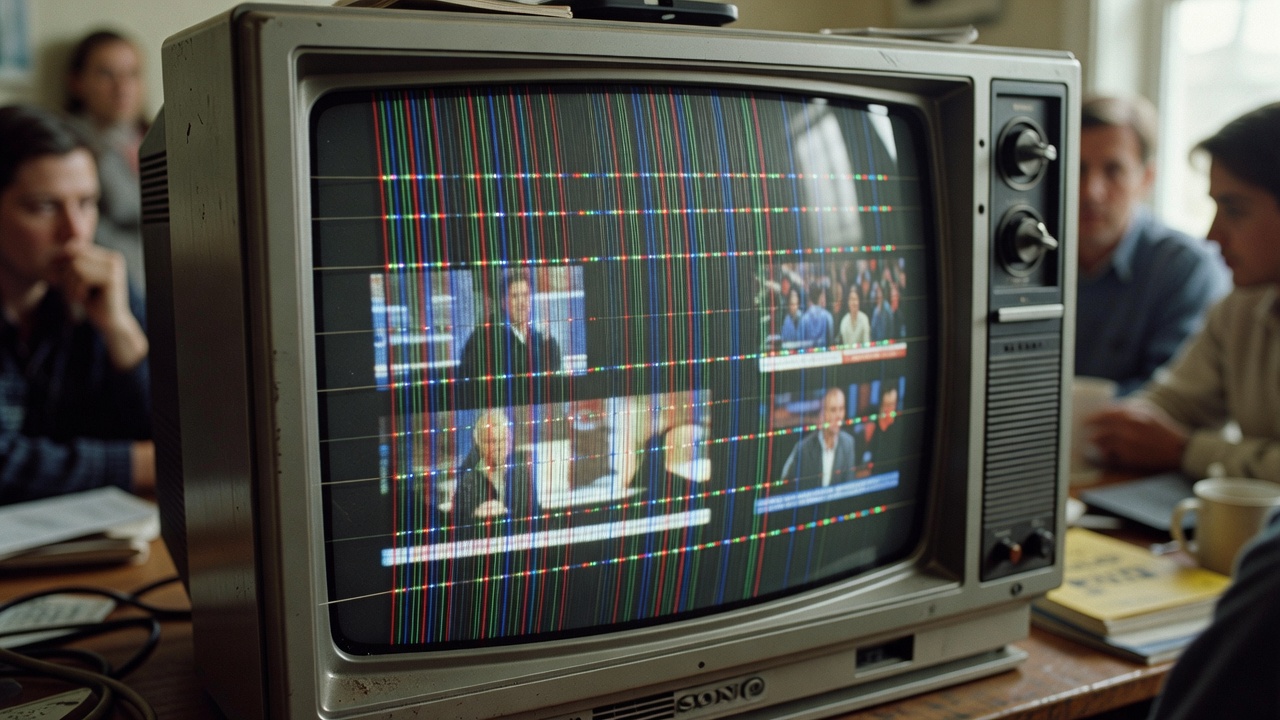
Generated by Grok Imagine (xAI), prompt: Generate a single 16:9 horizontal image for an educational lesson.
Lesson title: "Your Screen Is Lying to You Beautifully" · How millions of tiny colored dots fool your brain into seeing reality
Domai…
This is an illustration of subpixel rendering. The first column displays the original text at 100% size. A part of the text has been magnified 600% (each pixel in the magnification is 6×6 pixels) in a regular image editing program. The upper image does not use subpixel rendering, but does use anti-aliasing. It is completely gray-scale. The lower does use subpixel rendering. At the edges of the strokes of the letters there is noticeable colour deviations. The normal-sized, subpixel-rendered text should appear significantly sharper than the regularly rendered text, but only on a TFT display with RGB subpixels in that exact order.
The second column displays the pixels as they would look if one enlarged an image of the monitor. The white pixels do not appear white, since the display elements are red, green and blue. In the regular rendition, the red, green and blue pixels are only controlled in triplets, i.e. a triplet of subpixels must have the same colour value. There is no such restriction in the subpixel-rendered version, below.
The third column shows, enlarged, how the text is perceived when the light from the red, green and blue pixels mix and form various shades of gray.
The text was generated by the Quartz engine used by Mac OS X. Microsoft's ClearType subpixel rendering technology would have produced slightly different results, but the principle is the same. The font used for the example is Optima. Helvetica Neue is used for the labels.
© 2004 David Remahl · CC BY-SA 3.0
Quiz yourself